
On a computer?
Scan the code with your phone’s camera to open Tendo there. On a computer you can simply use Tendo in the browser.
It works like an app: its own icon, full screen, no app store. The whole thing takes about half a minute.
Open Tendo on your phone, from your invitation email or at app.tendo.sh. Whatever phone or browser you use, it starts the same way.
The browser built into Instagram, Facebook or Gmail can’t add icons to the home screen. Copy the link and open it in Safari or Chrome.
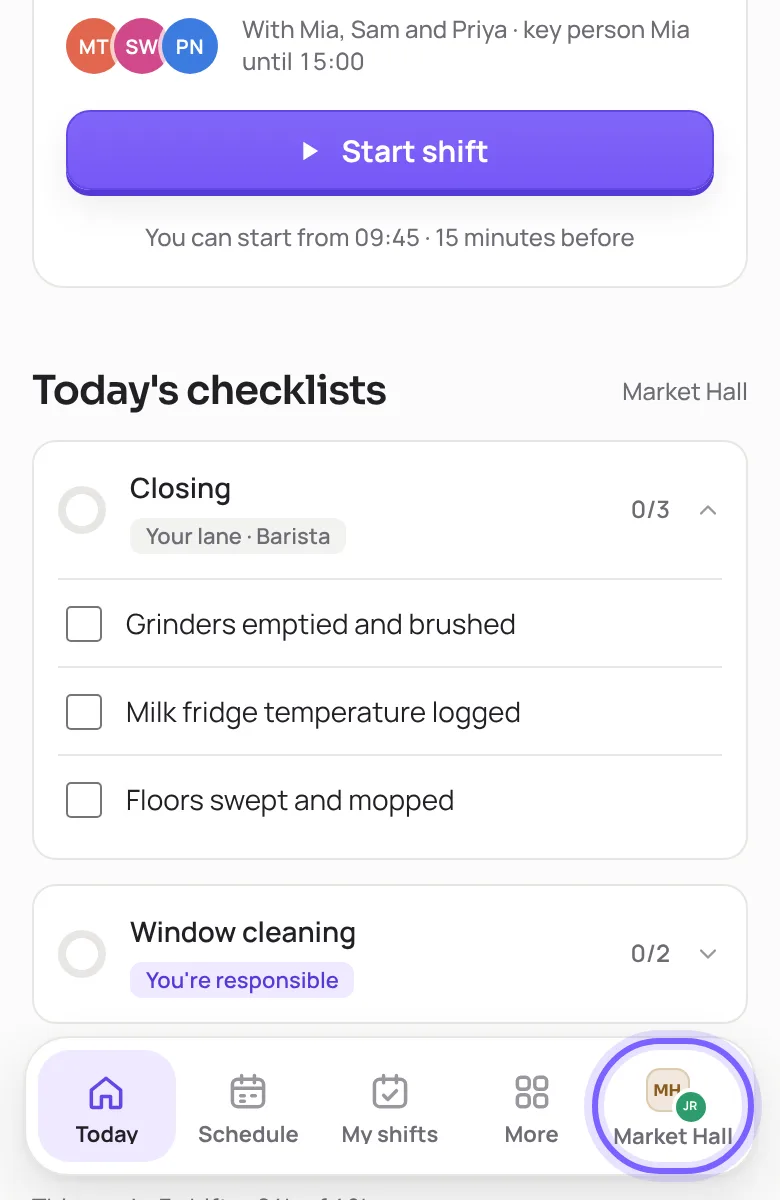
It’s the last tab at the bottom: your location’s name, with your initials on its corner.
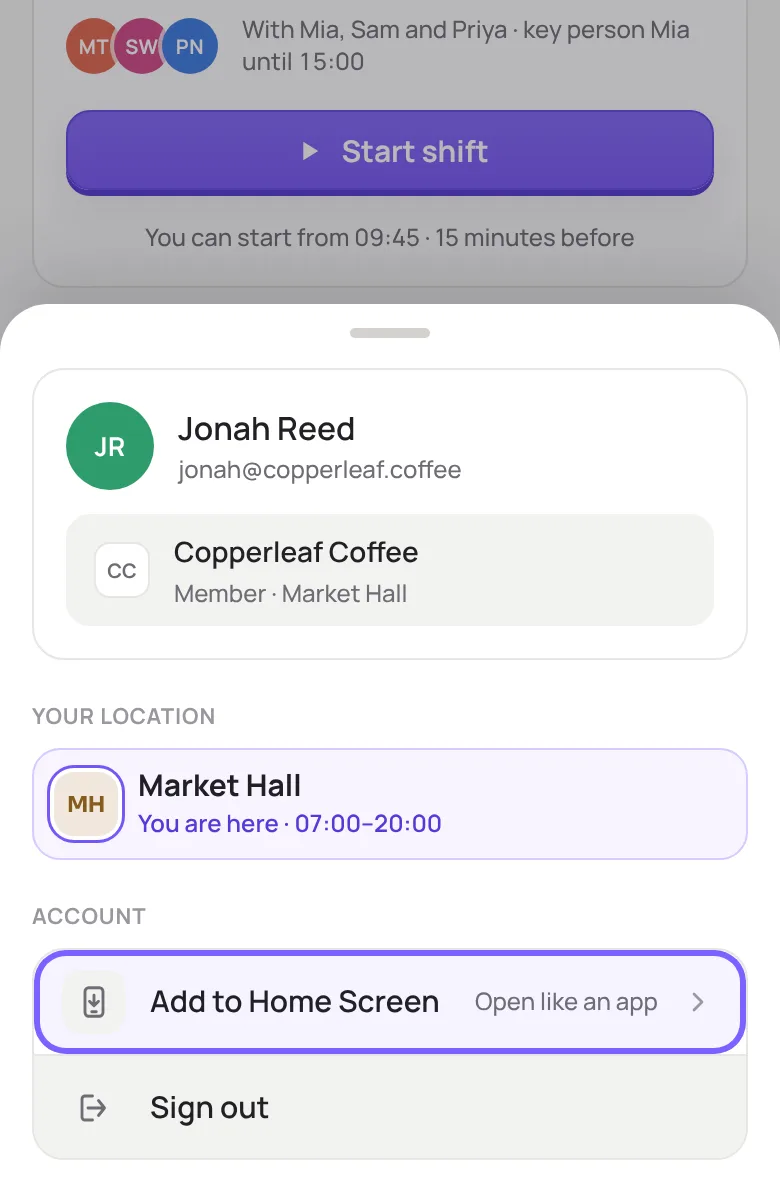
It’s at the bottom of the sheet, under Account.


On Android it’s usually one tap on Install. On iPhone a bubble points to Safari’s Share button. Any other browser gets its own short steps.
Scan the code with your phone’s camera to open Tendo there. On a computer you can simply use Tendo in the browser.
Their built-in browser can’t add icons. Open the link in Safari or Chrome first; Tendo offers to copy it for you.
If Tendo already opens from your home screen, the row is hidden: you’re all set.
Otherwise you can add it from the browser itself:
Open the link from the email on your phone and sign in. Then do the three taps above.